
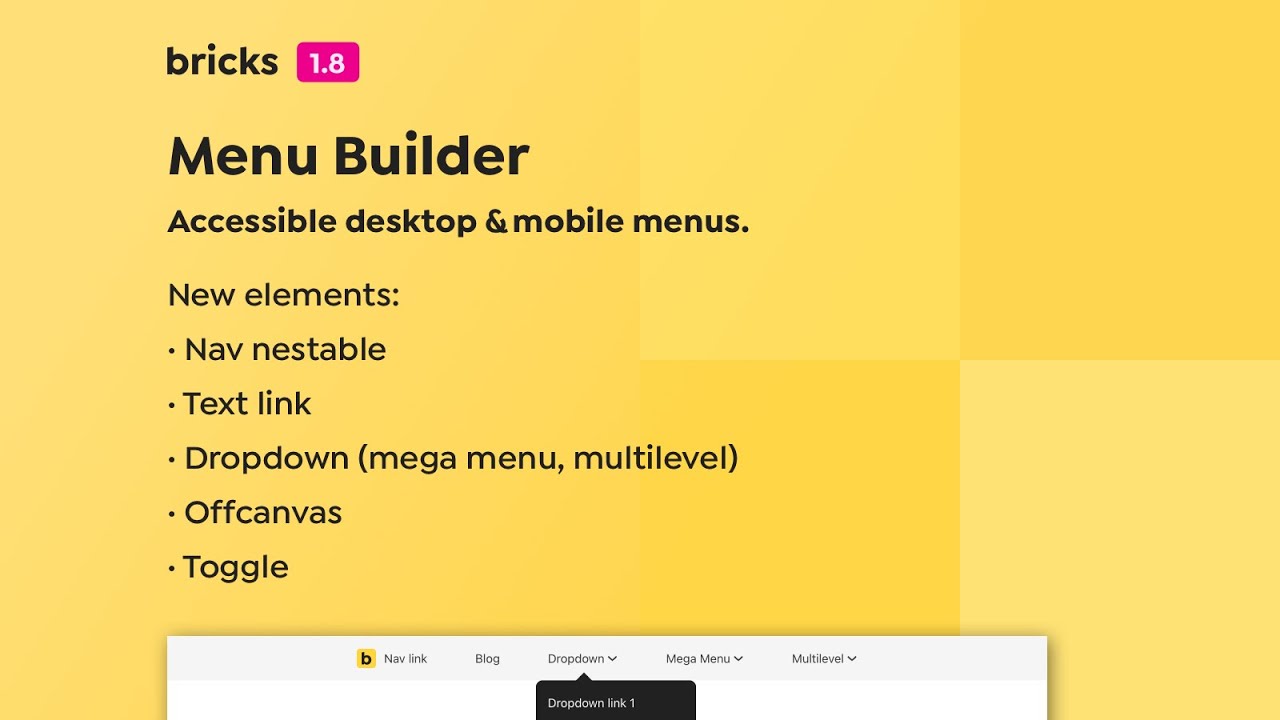
The highlight of this release is the new menu builder that allows you to build fully customizable, accessible desktop & mobile menus. It also includes a mega menu & multilevel dropdown functionality.
There is a lot to this new functionality! Please take the time to watch the menu builder video & reading the documentation: https://academy.bricksbuilder.io/article/menu-builder/
We’ve also completely rewritten our Bricks JavaScript frontend logic to better interact with the various JavaScript-driven features of Bricks.
There are many more new features, improvements, and bug fixes in 1.8. Make sure to check out the full changelog entry below …
Full changelog
- Mega MenuNew
- Mobile Menu BuilderNew
- Template element: New “Render without wrapper” settingNew
- ACF: Link Field supportNew
- Menu BuilderNew
- Update to Google Fonts API v2 (full variable font support) & fontfaceObserver.jsNew
- New “visibility” setting under Style > Layout > MiscNew
- Query Loop: New “Is main query (archive)” setting (solves archive pagination 404 error)New
- Popup: New setting to configure popup close trigger (backdrop click, ESC key press)New
- Parse nested dynamic tag (echo:)New
- New Bricks setting: Auto scroll element into view (builder)New
- Product Meta element: New “Link typography” settingNew
- Section element: Add “Query loop” capabilitiesNew
- Map element: Infobox “Width” settingNew
- Meta Box: Post field support :value filter to get the post IDNew
- Product Gallery: New image size settings for main image, thumbnails, and lightboxNew
- Product Rating element & DD tag: Option to output empty stars ratingNew
- New filters: bricks/query/result & bricks/query/result_countNew
- Conditions: New “Date & Time” conditionNew
- Comments form: New “Cookie consent” settingsNew
- Nav menu: Mega menu supportNew
- Nav menu: Multilevel supportNew
- Automatically stop playing audio or video inside popup (when popup is being closed)Improve
- Search element: Make search “Icon” accessibleImprove
- Post comments element: Use “required” attribute; type “email” for email input; type “url” for website input; remove “novalidate” from formImprove
- Default pages & posts: Render post title (h1)Improve
- Nav Menu: Sub menu “Icon color” on hoverImprove
- List element: Prevent wrapping & align-items settingImprove
- Ability to use dynamic data for styles inside query loop (set on element ID, not class)Improve
- Theme Styles: Lightbox video width/height support for %, vh, vw unitsImprove
- Only run search overlay ESC logic if visibleImprove
- Sticky Header: Increase transformY to -101% to prevent browser edge casesImprove
- WooCommerce Mini Cart: Product title might overflow remove iconImprove
- Code & Rich Text element: Re-renders after adding a class (in builder)Improve
- Builder: Load “Inter” font locally in Bricks (instead via Google fonts)Improve
- Author element: Clear settings indicator after resetImprove
- Query loop: Remove or ignore “Order meta key” if irrelevantImprove
- WordPress comments compatibilityFix
- Global element with query loop set: No results on the frontendFix
- Basic text element: HTML tag doesn’t update on canvasFix
- Elements that need JavaScript to init not working with infinite scrollFix
- Query Loop: “Exclude current post” & “Child of” setting not working outside templateFix
- Syntax error: video.php (line 231)Fix
- Page without interaction: Popup interactions with animation not working (“bricks-animate” not enqueued)Fix
- PHP error with Google Fonts enabledFix
- Dynamic data: PHP error (in builder) when trying to output ACF date field in specific formatFix
- Avoid getting template preview settings accidentallyFix
- Form: Confirmation email ‘reply-to’ not workingFix
- RTL: Colors & CSS filter input range sliders reversed (builder)Fix
- Interaction not applied to Button with href=”#” or emptyFix
- ACF: Same field “name” in different field group causes problems (when using different return format)Fix
- Nav menu: Typography precedes active typography when added in the wrong orderFix
- Nav menu: Sub menu text-align not workingFix
- Nav menu: Mobile nav missing active typography stylesFix
- Theme Styles: Lightbox width/height not workingFix
- Woo Lightbox: Wrong images if gallery is empty/ contains different imagesFix
- Plugin “WooCommerce Additional Variation Images” breaks the lightboxFix
- WooCommerce Loop: Impossible to exclude current product and another productFix
- WooCommerce Pagination + SEO Plugins (link rel=next/prev)Fix
- Customizer: WooCommerce Products per row/page not workingFix
- Product Meta: Spacing not working in vertical directionFix
- Dynamic data: background-color missing in template (with external files)Fix
- Theme Styles: Duplicated text-decoration settings for linksFix
- Bricks > System information: Upload size showing red if value is 1GFix
- PHP warning: Missing array key “preview_or_post_id”Fix
- Image Gallery: Missing border & box-shadow with “Masonry” layoutFix
- Sidebar: Missing default WordPress stylesFix
- Excerpt element: Custom “More text” doesn’t showFix
- Custom Fonts: zlib compression breaks custom fonts screen/duplicated fontsFix
- Page CSS: Not generated on builder save (loading method: external files)Fix
- Interactions: Minor animation glitches (at the very end)Fix
- Form: Checkbox label toggles incorrect checkbox (if used inside loop)Fix
- Builder: Background video not playing after editor or page refreshFix
- Maps: Infobox lightbox not workingFix
- Carousel: Lightbox on first image doesn’t open after every cycle (with “loop” setting enabled)Fix
- Heading: Adding multiple line breaks (br) not possibleFix
- WooCommerce: Quantity button not working (with WooCommerce Composite Products plugin)Fix
- Dynamic data background images not working in query loops (with mobile first)Fix
- WP sitemap: Bricks Templates indexingFix
- WooCommerce: “shop_table_responsive” class not mobile responsiveFix
- Duplicated CSS: Bricks template & global classes (inline styles & external files)Fix
- Copy/Paste element below selected element not workingFix
- Lightbox: Zoom icon misalignmentFix
- Image: object-position field not visible (when editing class)Fix
- WordPress element: Error message after removing custom (ACF) taxonomyFix
- Map element: Infobox image size set but no images selected generates errorFix
- Builder: Hover over pseudo class “clear” icon makes it grow (in Safari)Fix
- Lightbox: Prev & next buttons shouldn’t show when there is only one itemFix
- Custom element: Nested repeater controls (DnD not working)Fix
- Builder: Tooltip not completely visible (out of viewport)Fix
- Builder: Breakpoints font “Menlo” on Windows not displayedFix