
Customized forms made simple
Tailor actions upon form submissions, including email notifications, redirects, and integrations with SendGrid or Mailchimp. Safeguard your site with built-in spam protection.
Choose what happens after a submission
Send emails, redirect visitors, create posts, or connect your forms to other tools. Combine actions to build the workflow you need.
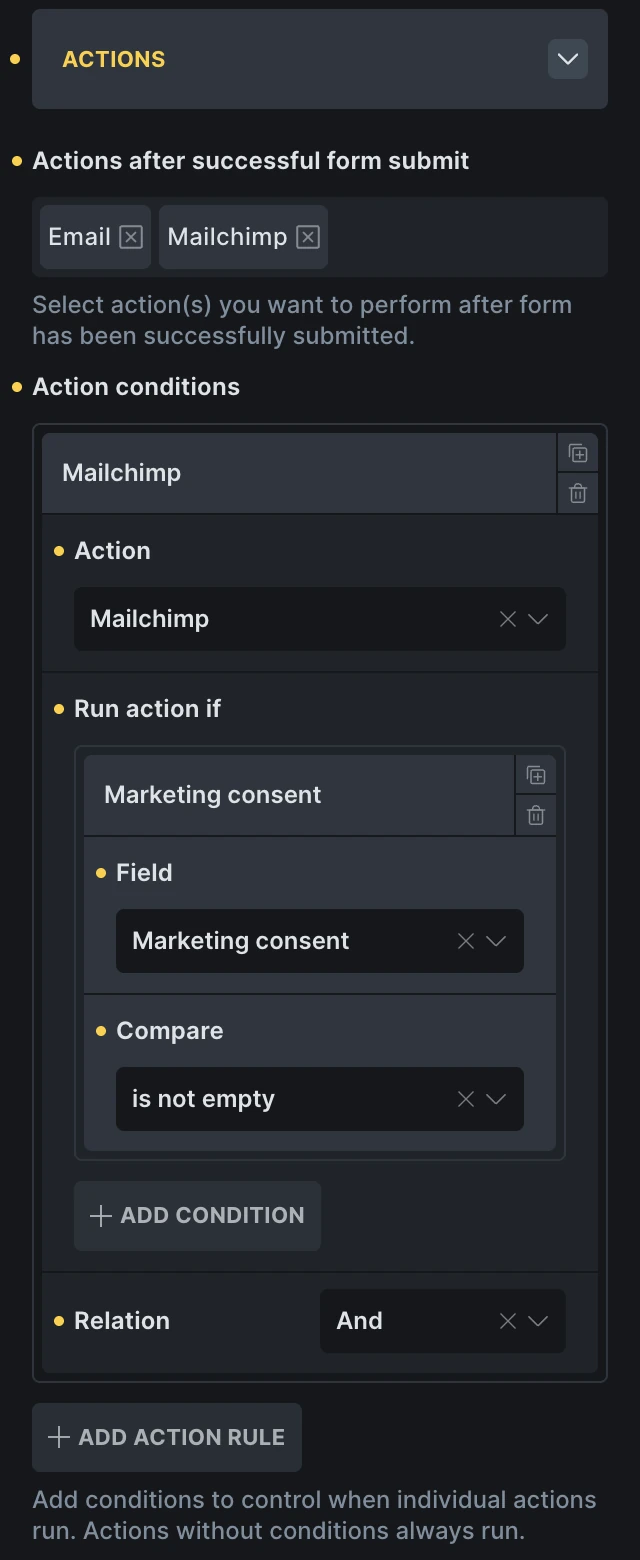
Run the right action for every submission
Choose which actions run based on submitted field values. Send every successful enquiry by email, for example, and subscribe the sender to your mailing list only when they select the consent checkbox.
Explore conditional actions
Build your own login and registration forms
Create custom forms for login, registration, and password resets. Add a password confirmation field to check that both entries match.
Learn more in the AcademySeamless form submission acknowledgment
Ensure users receive acknowledgment of their submitted forms through automated custom confirmation emails, enhancing communication efficiency.
Form page redirection
Smoothly direct users from your form page to another page on your website using redirect actions for enhanced navigation.
From Form to Action—Automatically
Enhance your form’s functionality by incorporating custom actions, enabling tailored solutions for your unique needs.
Instantly send submitted form data to one or multiple external URLs. Push leads to your CRM, trigger automations in Zapier or Make, store entries in Google Sheets, or ping internal tools via API or Slack—no manual work, just seamless integration.
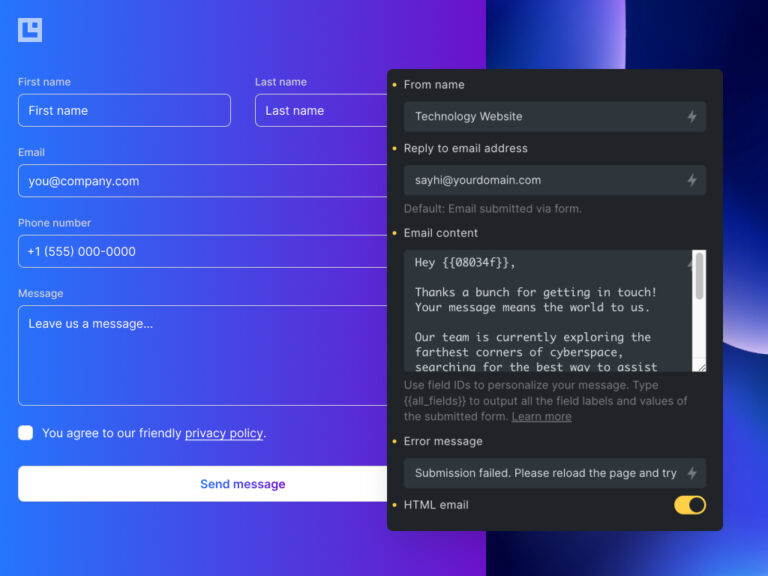
Personalized emails
Send personalized emails on form submission. Utilize dynamic fields for specific or all form data and automatically dispatch custom confirmation emails for improved user interaction.
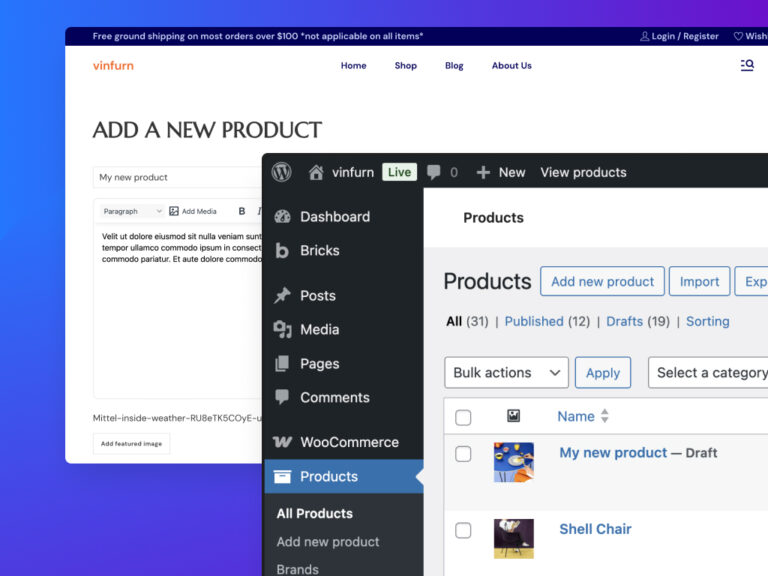
Create and update content from the front end
Let users create and update posts without entering wp-admin. Map form fields to titles, content, taxonomies, and custom fields. When creating a post, text and textarea fields can also assign existing taxonomy terms or create new ones.
Database-powered form submissions
Store form data securely for analysis, personalized responses, and seamless integration. Enhance security and streamline workflows.
Learn more in the AcademyError-free input assurance
Ensure precise input accuracy with immediate error messages upon field exit and custom validation checks for every submission.
Protect your forms from spam
Use Google reCAPTCHA v3, hCaptcha, or Cloudflare Turnstile to help prevent spam submissions. Choose when Turnstile loads: on page load, as the form approaches the viewport, or when a visitor interacts with it.
Seamless Integrations
Easily sync with Mailchimp & Sendgrid, effortlessly adding new contacts directly from your forms.